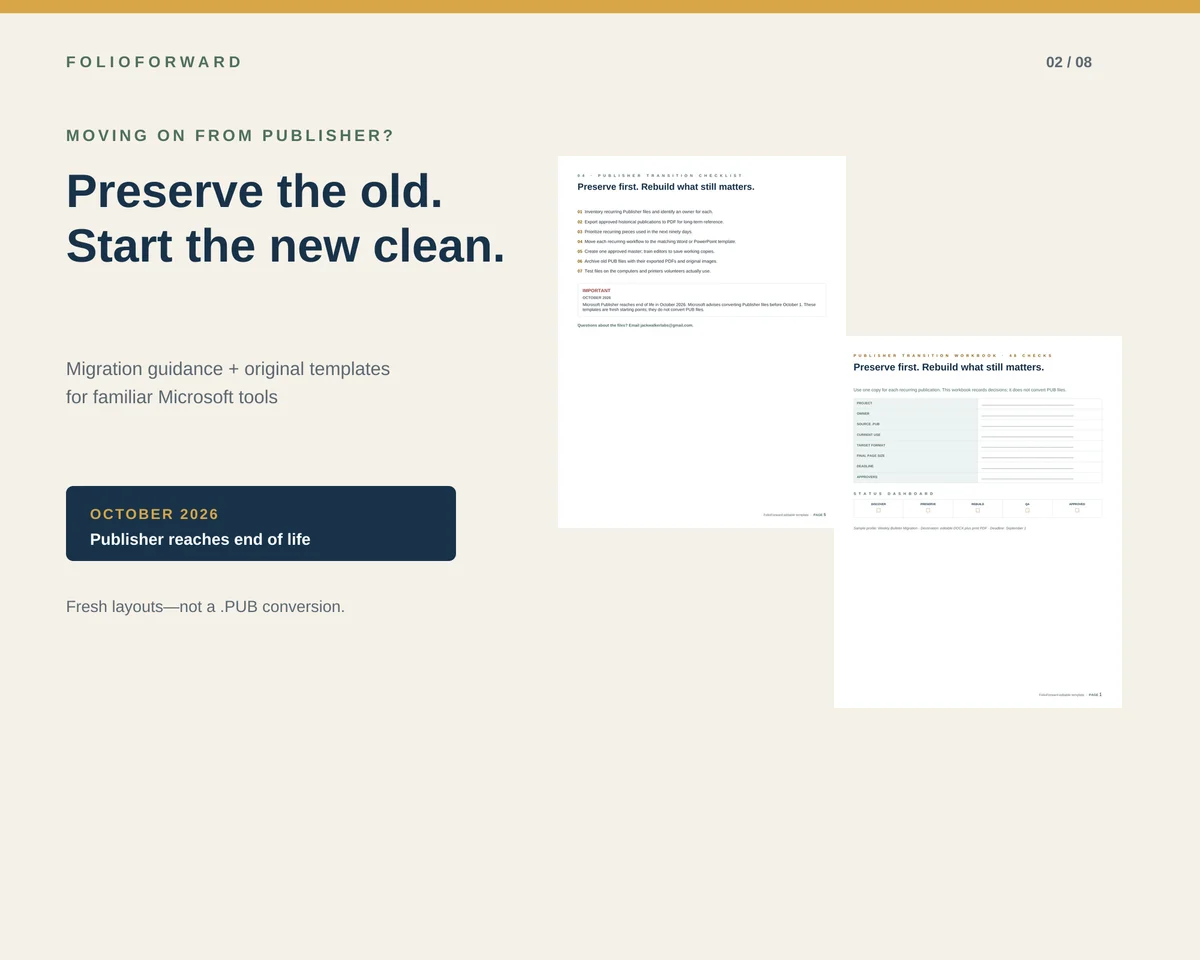
Microsoft says Publisher reaches end of life in October 2026 and advises customers to convert Publisher files before October 1. Microsoft 365 subscribers lose access after retirement; perpetual installations may continue to run, but without support. That makes preservation urgent even when a team is not ready to redesign everything.
Start by separating preservation from replacement
An old .pub file has two different kinds of value. Its first value is historical: it records what was approved, printed, or sent. Its second value is operational: it may still be the starting point for next Sunday’s bulletin or next month’s newsletter. Those two needs should not be solved in the same way.
For preservation, export an approved PDF while Publisher is still available. Keep that PDF beside the original PUB file and its source images. For future editing, rebuild only the recurring pieces that remain useful. A fresh layout is usually easier to maintain than a chain of conversions from a complex legacy file.
Use the Microsoft app that matches the job
Microsoft’s own retirement guidance points to both Word and PowerPoint, not a single universal successor. The practical choice depends on how the publication behaves.
Choose Word when text drives the layout
Word is a sensible starting point for newsletters, programs, forms, folded projects, and other pieces that change through paragraphs, lists, tables, and recurring sections.
Choose PowerPoint when placement drives the layout
PowerPoint is useful for flyers, posters, signs, visual reports, and announcement screens where objects need predictable positions on one page or slide.
Choose PDF when the job is preservation
PDF is the reference and delivery format. It preserves approved appearance better than an editable conversion, but it is not the master file for future routine editing.
A church-specific replacement map
| Recurring piece | Starting app | Why |
|---|---|---|
| Weekly bifold bulletin | Word | Text-heavy sections, schedules, announcements, and predictable printing. |
| Monthly newsletter | Word | Multi-page stories, dates, headings, and recurring editorial structure. |
| Event flyer | PowerPoint | Fixed visual hierarchy, clear event details, and object placement. |
| Annual report | PowerPoint | Designed pages, metrics, bars, stories, and visual pacing. |
| Screen announcement | PowerPoint | Native 16:9 canvas and familiar presentation workflow. |
| Historical publication | PDF archive | Preserves approved appearance without pretending the file remains editable. |
What makes a replacement sustainable for volunteers?
A replacement succeeds when someone other than its creator can use it next month. Keep type styles few, use common Office fonts, avoid text inside images, put readable URLs beside QR codes, and maintain one approved master. Each editor should save a working copy instead of overwriting the master.
Page size also matters. A US Letter document scaled down to A4—or an A4 file stretched to Letter—can change margins, folds, and line breaks. Use a true version for each paper size and print one physical proof at 100% before a full run.
What FolioForward replaces—and what it does not
The FolioForward Church Communications Pack supplies original DOCX and PPTX starting points for six recurring communication families. It includes true Letter and A4 versions, reference PDFs, editing and print guidance, and a 48-check transition workbook.
It does not open, repair, migrate, or convert .pub files. Microsoft software is not included, and no claim is made that every Office version or printer will render identically.
The editable replacement system
Bulletin, newsletter, flyer, annual report, screens, and transition workbook.
Thirteen editable source files from $39 for one church or ministry.
See every included file