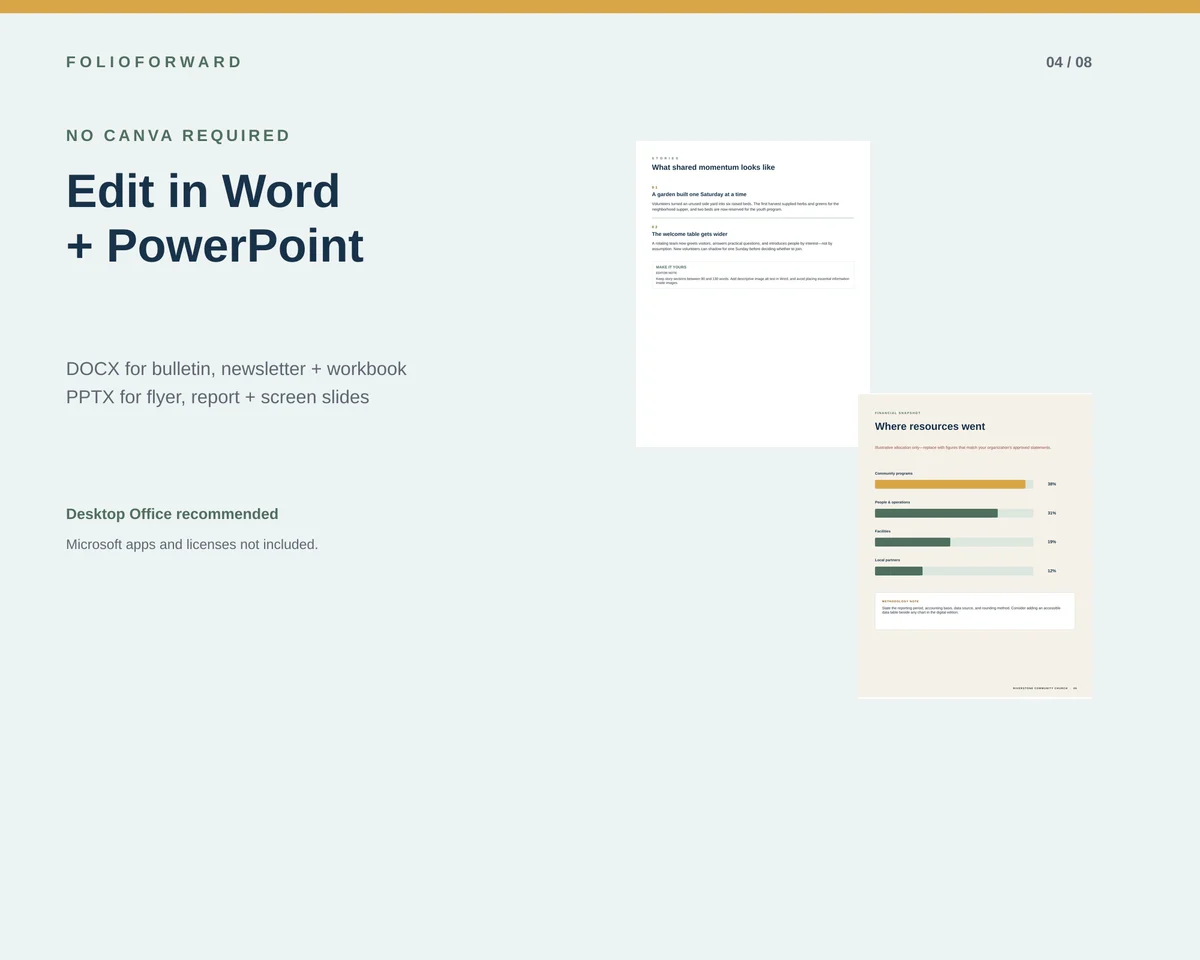
The hardest part of a monthly newsletter is rarely choosing a color. It is collecting material on time, deciding what belongs, and making a repeatable issue without rebuilding the document from scratch. A stable template gives every contributor a visible destination.
The four-page newsletter plan
Cover + issue promise
Masthead, issue date, lead headline, a short introduction, and a compact contents strip.
Community letter
A focused letter, two or three proof points, and a clear place for a photo or text-only callout.
Stories
Two useful community stories with restrained word counts, descriptive headings, and a final editor note.
Dates + next actions
Four prioritized dates, three ways to participate, and one consistent contact line.
Why Word is a reasonable post-Publisher choice
A recurring newsletter is driven by paragraphs, headings, dates, short stories, and contact details. Word is familiar to many church administrators and volunteers, and Microsoft names it as a starting point for newsletters in its Publisher retirement guidance.
The important constraint is to keep the structure simple. FolioForward uses tables for stable cards and column-like areas, avoids external stock photography, and keeps the master to four pages. The result is easier to hand off than a highly layered layout that only one person understands.
A monthly production rhythm
- Ten days before publication: request stories, approved dates, contact information, and original images.
- Seven days before: choose the lead, limit the issue to its four-page plan, and return excess material rather than shrinking everything.
- Five days before: replace sample content in a dated working copy and add alt text to meaningful images.
- Three days before: obtain factual approval for names, dates, statistics, financial figures, and any sensitive story.
- Two days before: export a Standard/High quality PDF and review the actual page size, line breaks, links, and reading order.
- Before distribution: print one paper proof and review the digital PDF with keyboard and accessibility tools available to the team.
What to collect from contributors
A short submission form or shared checklist should ask for a proposed heading, 90–130 words, a named contact, an exact deadline, a human-readable URL, and the highest-quality original image available. It should also ask whether the organization has permission to publish the story and image.
True US Letter and A4 versions
The paid pack includes separate four-page DOCX files for US Letter and A4. This avoids the line-wrap, margin, and pagination problems that appear when one size is merely scaled at print time. Both versions are paired with exported reference PDFs.
Make the newsletter easier to read
- Use descriptive headings that still make sense when read alone.
- Keep essential dates and actions as live text, not only inside an image.
- Add alt text to meaningful photos and mark decorative elements appropriately.
- Use strong text/background contrast and test the final PDF in grayscale.
- Provide a readable destination beside any QR code.
- Offer an alternate format on request and state how to ask for it.
Included in FolioForward
The newsletter plus the rest of the communications system.
Thirteen editable source files, true Letter and A4 variants, reference PDFs, and transition guidance from $39 for one organization.
See every included fileMicrosoft Publisher context
Microsoft says Publisher reaches end of life in October 2026 and recommends Word as a starting point for newsletters. Read the official migration guidance. FolioForward does not open or convert PUB files.